 Vidzonia
Upload your images
Add an overview image and supporting images in the order you want to explain them.
Product Studio workflow
Transform product photos, software screenshots, feature illustrations, and demonstration images into engaging narrated videos. Create product explainers, sales presentations, feature walkthroughs, and promotional content with AI-powered storytelling, animation, voiceovers, and branding.
Use the product, feature, software, and demonstration images you already have. A Vidzonia account, eligible plan, available credits, and email verification are required.
See the transformation
See how five product photographs become a 45-second narrated video using Vidzonia Product Studio.
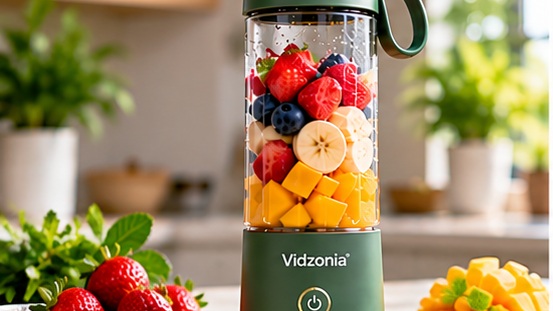
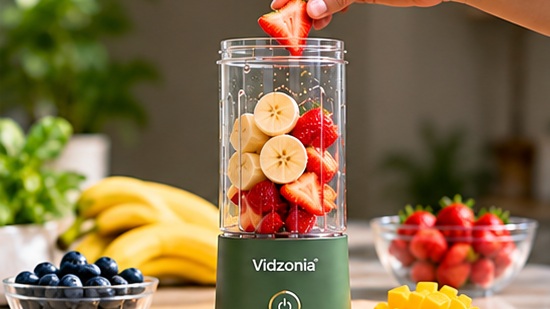
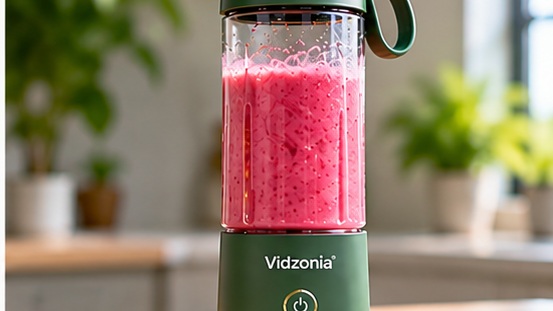
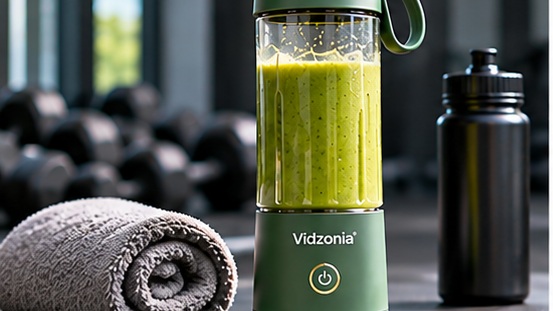
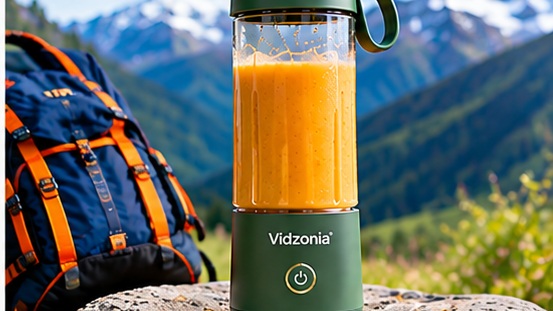
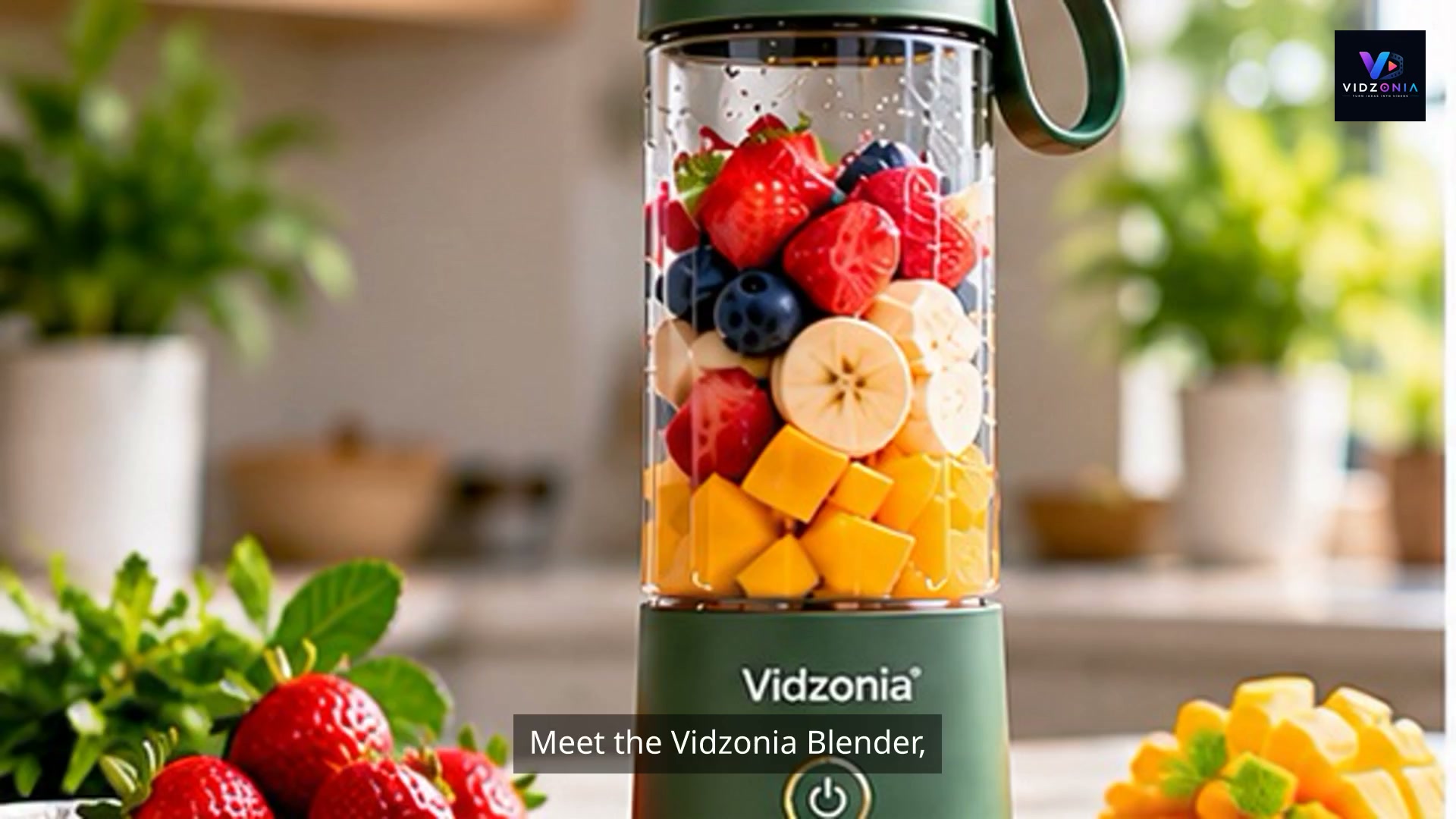
A narrated, animated product video created from the source photographs and product information in Product Studio.
How it works
A guided Product Studio workflow takes you from product, feature, software, or demonstration images to a downloadable MP4.
Add an overview image and supporting images in the order you want to explain them.
Provide a name, description, image titles, image descriptions, and optional instructions for the video.
Select duration, language, voice, captions, animation, visual mode, and branding.
Product Studio creates the storyboard, narration, animated scenes, and downloadable MP4.
Before generation, Product Fit Analysis can help identify whether your selected video length and uploaded images are a good fit.
Who it is for
Use the images and context you already have to create clearer product communication. Product Studio is one of Vidzonia's video-creation workflows; Story Studio is better suited to topic-, document-, or script-led storytelling.
Turn product images into clearer explainers and promotional videos for your sales channels.
Explain product value, features, applications, and use cases with narrated visual communication.
Use software screenshots and product context to create guided demonstration videos.
Arrange supporting images and descriptions to show how a product or feature works.
Create narrated launch, campaign, LinkedIn, and promotional video drafts from existing assets.
Present product context, capabilities, and value in a concise narrated format for business audiences.
Show products in their intended settings using demonstration images and supporting context.
Product Studio capabilities
Choose the settings that fit your product, audience, and communication goal.
Turn product, feature, and demonstration context into narrated scenes using a selected voice and supported language.
Add supported motion effects such as zooms, pans, and gentle movement to still images.
Choose supported caption styles to make your narrated video easier to follow.
Choose from the languages and narration voices available in Product Studio.
Add a logo, overlay text, captions, and other supported brand treatments.
Choose a video length, and let Product Fit Analysis help you see whether your uploaded images are a good fit before generation.
Screens Only
Product Studio includes the uploaded image set in a successfully generated video, although some images may appear more than once.
Screens + Stock Video
Product Studio can combine your images with relevant stock footage. In this mode, not every uploaded image is guaranteed to appear.
FAQs
Here is what the current Product Studio workflow supports.
Product Studio is currently designed for product, feature, software, and demonstration images. Other image subjects may be accepted technically, but the generated story structure is still product-oriented.
The current Product Studio flow accepts PNG, JPG, JPEG, and WEBP image files.
The number of images and file size available depend on the current Product Studio setup. Product Fit Analysis can help identify whether your images fit the selected video length.
Yes. You can upload multiple images, add descriptions, and reorder them. The current workflow is best suited to product or feature demonstrations.
With Screens Only, Product Studio includes the uploaded image set in a successfully generated video, although some images may appear more than once. With Screens + Stock Video, supporting stock footage may be added and not every uploaded image is guaranteed to appear.
Yes. Product Studio creates a storyboard and narration from your product details, image information, and optional instructions.
Yes. Product Studio exposes supported language, voice, and duration settings. The available choices are controlled by the application configuration.
Yes. Product Studio supports a logo, overlay text, captions, and image-animation settings.
Only when Screens + Stock Video is selected. Screens Only keeps your uploaded images as the primary visual source.
For topic-, document-, or script-led training and education, Story Studio is currently the more suitable Vidzonia workflow. Product Studio is designed around product and demonstration content.
Product Studio
Bring your existing images and context into Vidzonia Product Studio. Choose your settings, generate a narrated video, and download the result.
Create Your Video